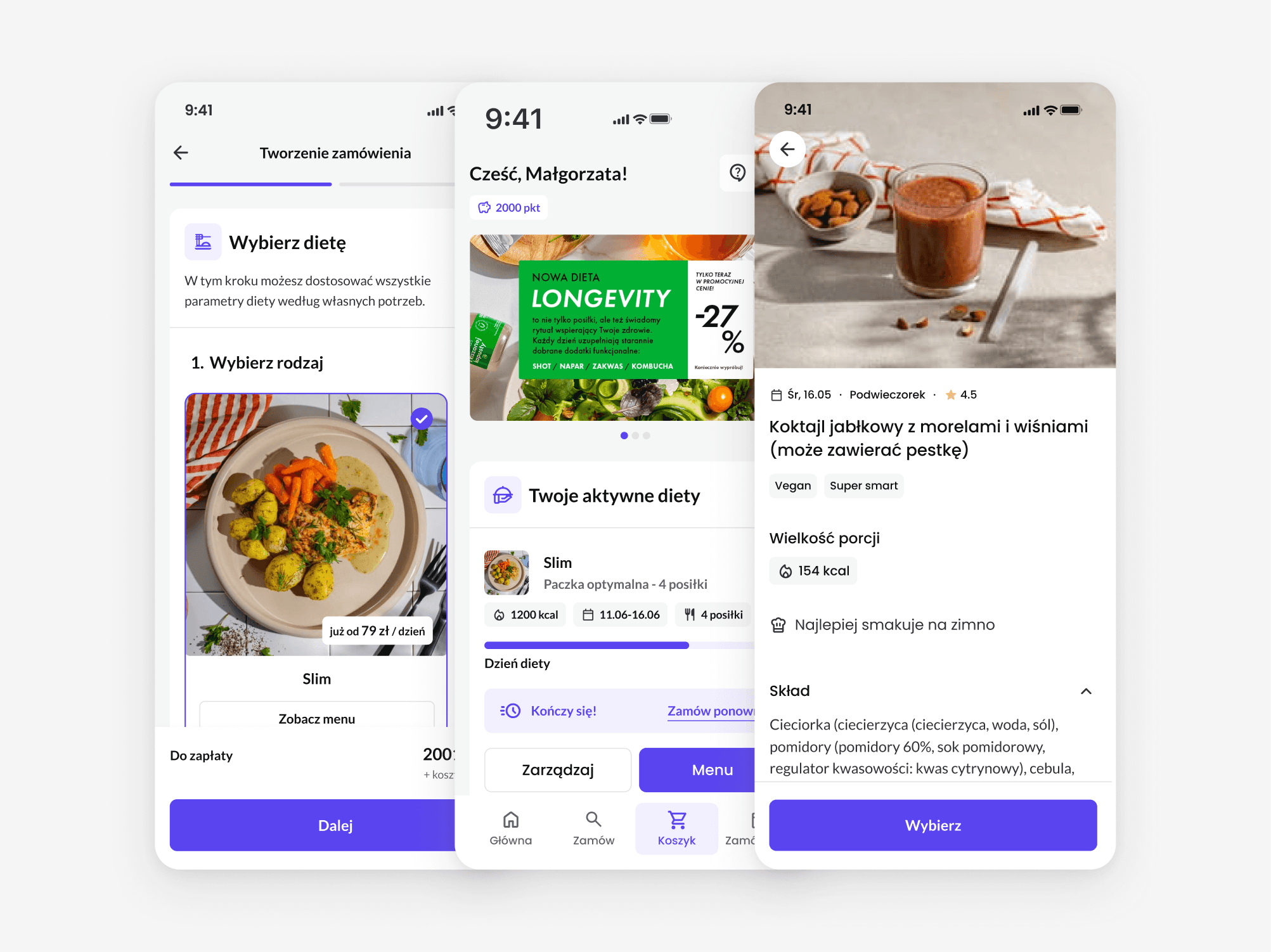
Building a multi-brand design system with dark mode
Caterings is an all-in-one CRM/ERP system and white-label e-commerce platform for diet catering businesses, offering extensive customisation of storefront design and appearance.
As part of designing its native mobile app, I built a multi-brand design system with dark mode and component variants. Figma variables are mapped to code tokens to maintain consistent naming across design and development.
CHALLENGE
How to handle this level of customization without adding complexity?
MY RESPONSIBILITIES
End-to-end design
Variable architecture
Component library
Handoff
TEAM
1x Designer (me)
2x Developers

MY PROCESS
Building brand diversity on universal foundations
01 Defining the visual foundation
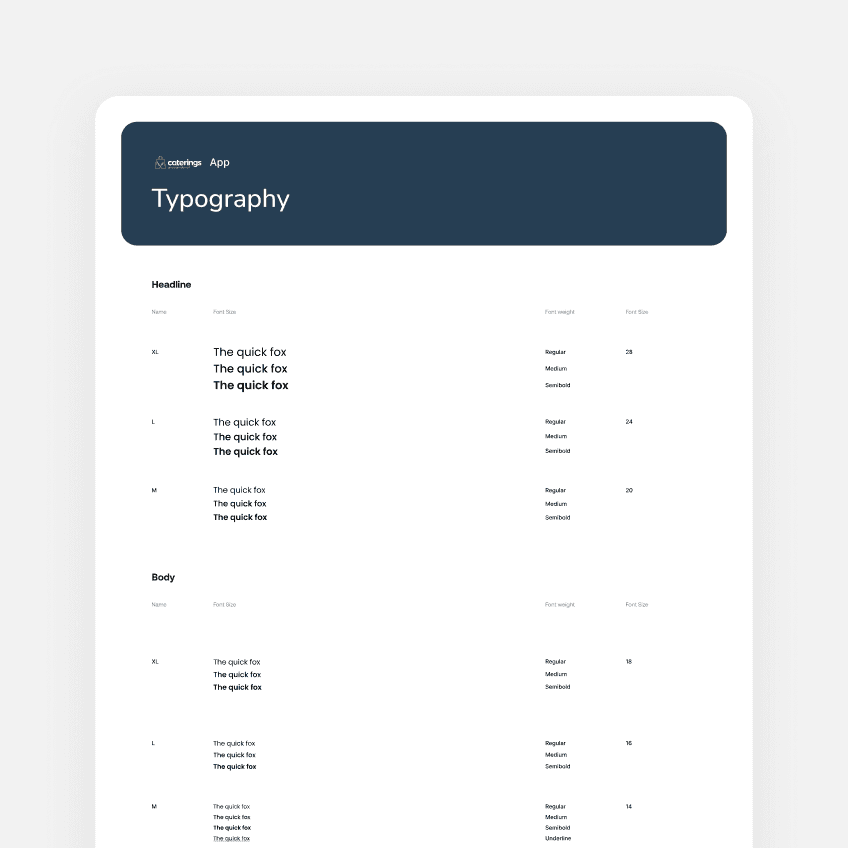
I started by establishing a visual direction that could hold up across very different brands, defining the shared foundations: base colors, typography, spacing, radius, icons.
02 Building the variable architecture
I built two variable collections: primitive and semantic. Primitives store raw values — hex codes and numeric scales. Semantic variables translate those raw values into UI roles.
Organizing variables by role rather than by component makes changes quicker to apply and keeps the architecture simpler.
03 Building a component library
Using an atomic approach, I built components up from simple building blocks into more complex elements, so that a change to a base element propagates everywhere it's used.
I used Claude and Figma MCP to build component variants more efficiently.
OUTCOME
One design system that makes the multi-brand complexity easier to manage
Rather than creating variables for individual components, I organized the semantic variables around their role in the interface:
Text
Icon
Border
Surface (container fills)
The semantic collection is also where the brand themes live, each with a light and a dark mode. This setup lets me switch a full brand identity with a single click: colors, fonts, and images such as logos all swap instantly.
The same semantic roles are what drive theming in the codebase, so design and development speaks the same language.
All Figma variables are mapped to code tokens to maintain consistent naming across design and development.

WORKING WITH AI
Automating the mundane with Claude Code and Figma MCP
As I designed more and more screens, my variable structure turned out not to be flexible enough in places and needed restructuring. Doing that by hand would have been slow and repetitive, so I delegated this kind of work to AI.
I automated the mundane parts with Claude: swapping variables inside components, generating component variants such as buttons, and renaming layers in bulk. This way I saved some time for real design challenges.